kit84 talks

社会人 / AtCoder 緑緑 / くBC 青

各種プロフィールへのリンクまとめ

はてなブログ (このページ)

https://kit84.hatenablog.com/

SNS

mixi2

https://mixi.social/@kit84

X (旧Twitter)

https://twitter.com/HashiKeita

競技

AtCoder

https://atcoder.jp/users/kit84

Shitforces

https://shitforces.herokuapp.com/account/kit84

雀魂

雀魂 -じゃんたま-| 麻雀を無料で気軽に
84152972

無

運用していないアカウントです

Threads

https://www.threads.net/@84hashikeita

Bluesky

https://bsky.app/profile/kit84.bsky.social

Instagram

https://www.instagram.com/84hashikeita

Facebook

https://www.facebook.com/keita.hashi.9

mixi

https://mixi.jp/show_profile.pl?from=l_navi&id=31693189

Misskey

https://misskey.io/@kit84

yukicoder

https://yukicoder.me/users/8754

Codeforces

https://codeforces.com/profile/kit84

HackerRank

https://www.hackerrank.com/profile/kit84
GitHub

https://github.com/kit84

note

https://note.com/keita84/

広告

Amazon

ハピタス

はてなブログで Google Fonts の好きなフォントを表示させてみた

これは何ですか?

はてなブログでクソデカ web フォントを表示させて、友達や家族を怖がらせましょう!

実例

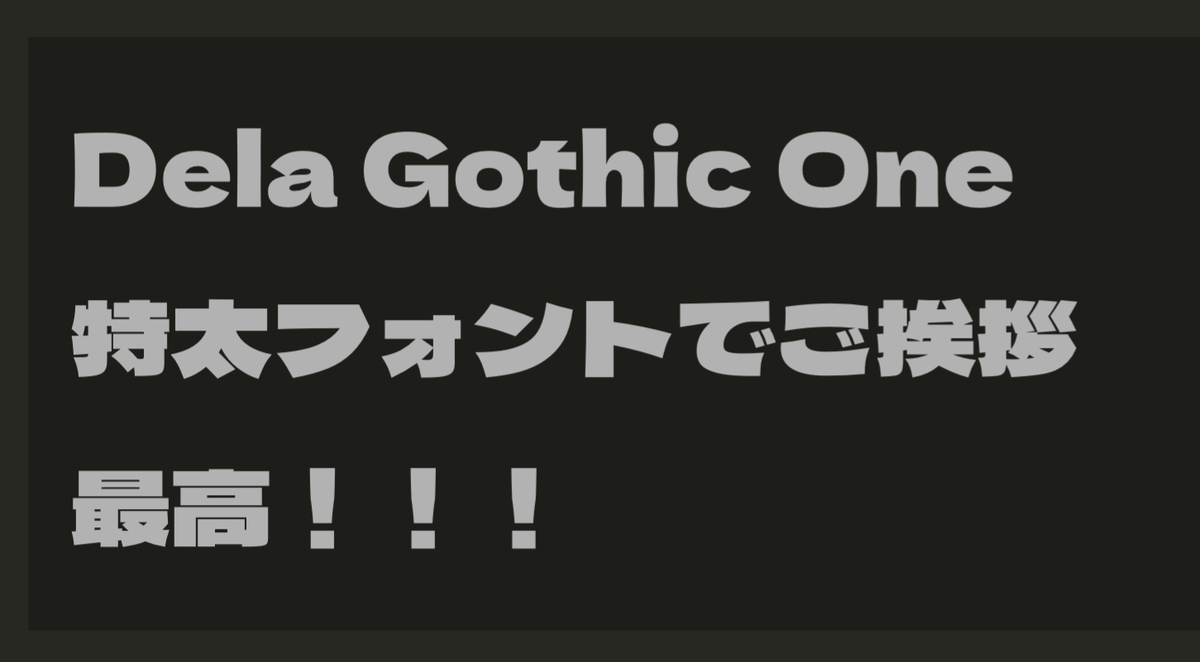
Dela Gothic One
特太フォントでご挨拶
最高!!!

画像で表示
Dela Gothic One で特大表示

好きなフォントが表示できました。

めでたしめでたし。


設定方法

今回は本文中の \(1\) 箇所だけフォントを変更したかったので、次のようにしました。
(お行儀は良くないです)

加えたコード

<link rel="preconnect" href="https://fonts.googleapis.com">
<link rel="preconnect" href="https://fonts.gstatic.com" crossorigin>
<link href="https://fonts.googleapis.com/css2?family=Dela+Gothic+One&display=swap" rel="stylesheet">
<pre style="font-family:'Dela Gothic One', sans-serif !important; font-size:48px">Dela Gothic One
特太フォントでご挨拶
最高!!!
</pre>


参考文献